● Live media sniffing on Android
Every page hides media.
See it. Take it.
WebMedia Scanner opens the page inside the app and listens to everything it loads — videos, audio streams, images and files — then lets you download what you need. Including HLS / m3u8 streams, decrypted and remuxed to MP4.
Free to use · No account · No upload server — scanning runs 100% on your device
From a link to a file in four taps
The whole flow lives inside one screen: paste a URL, browse normally, and the scanner quietly watches every request the page makes.
-
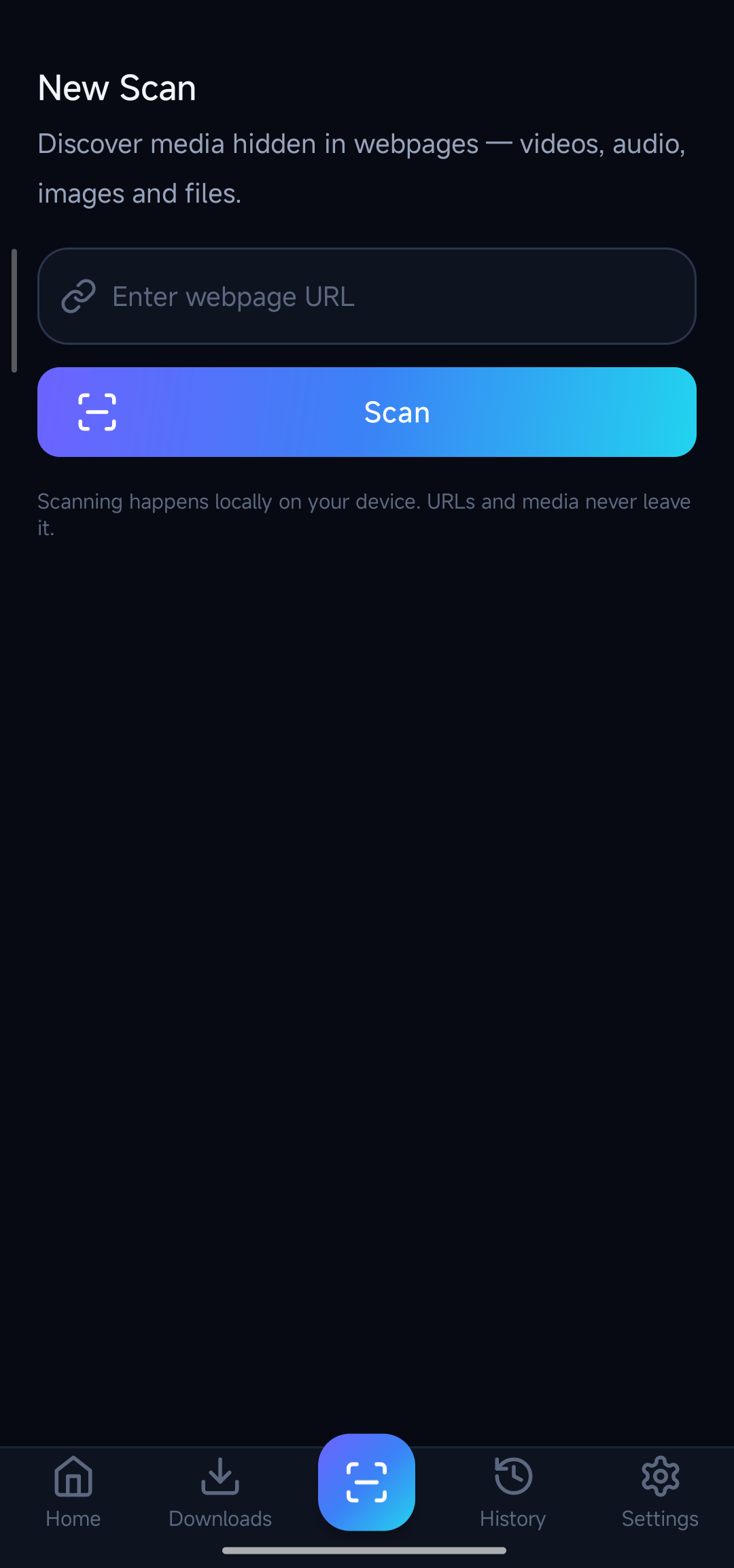
1Paste a URL
Type or paste any web page address and hit Scan. Auto-scan on copy can start it for you.
-
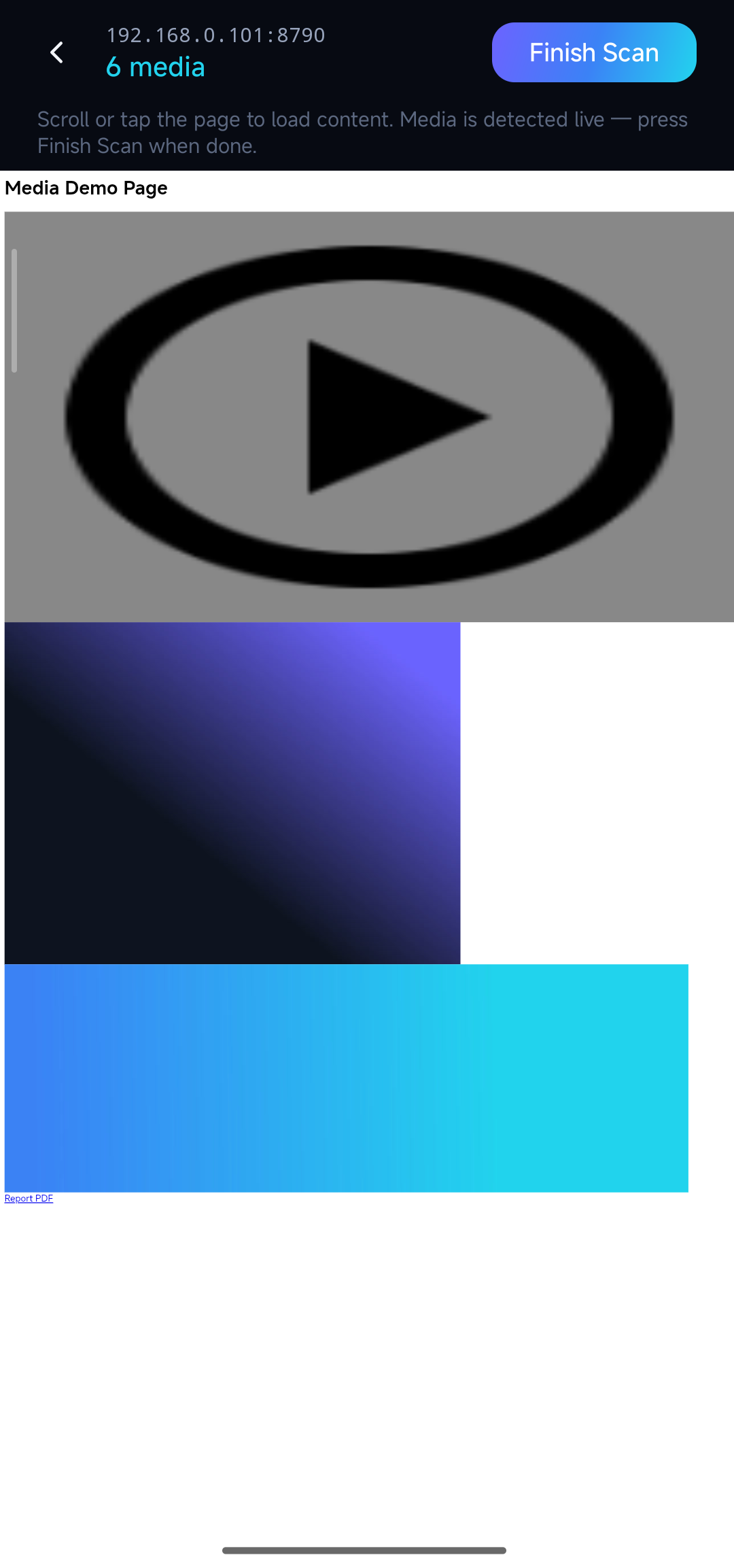
2Browse the page
The page loads normally inside the app. Three sniffing engines watch: network interception, DOM and pattern matching.
-
3Review the finds
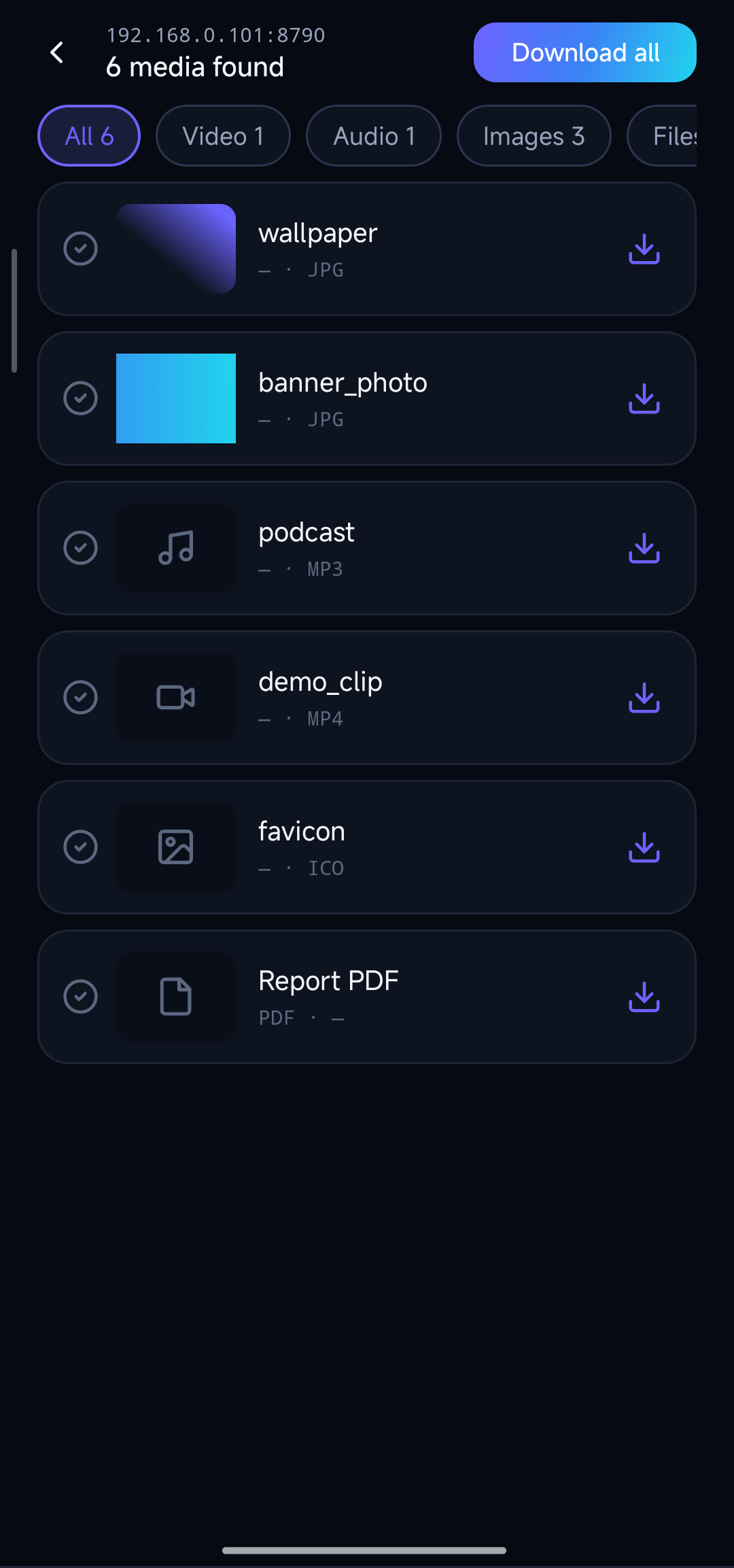
Media is grouped into Video / Audio / Images / Files with real thumbnails, sizes and download-state marks on each row.
-
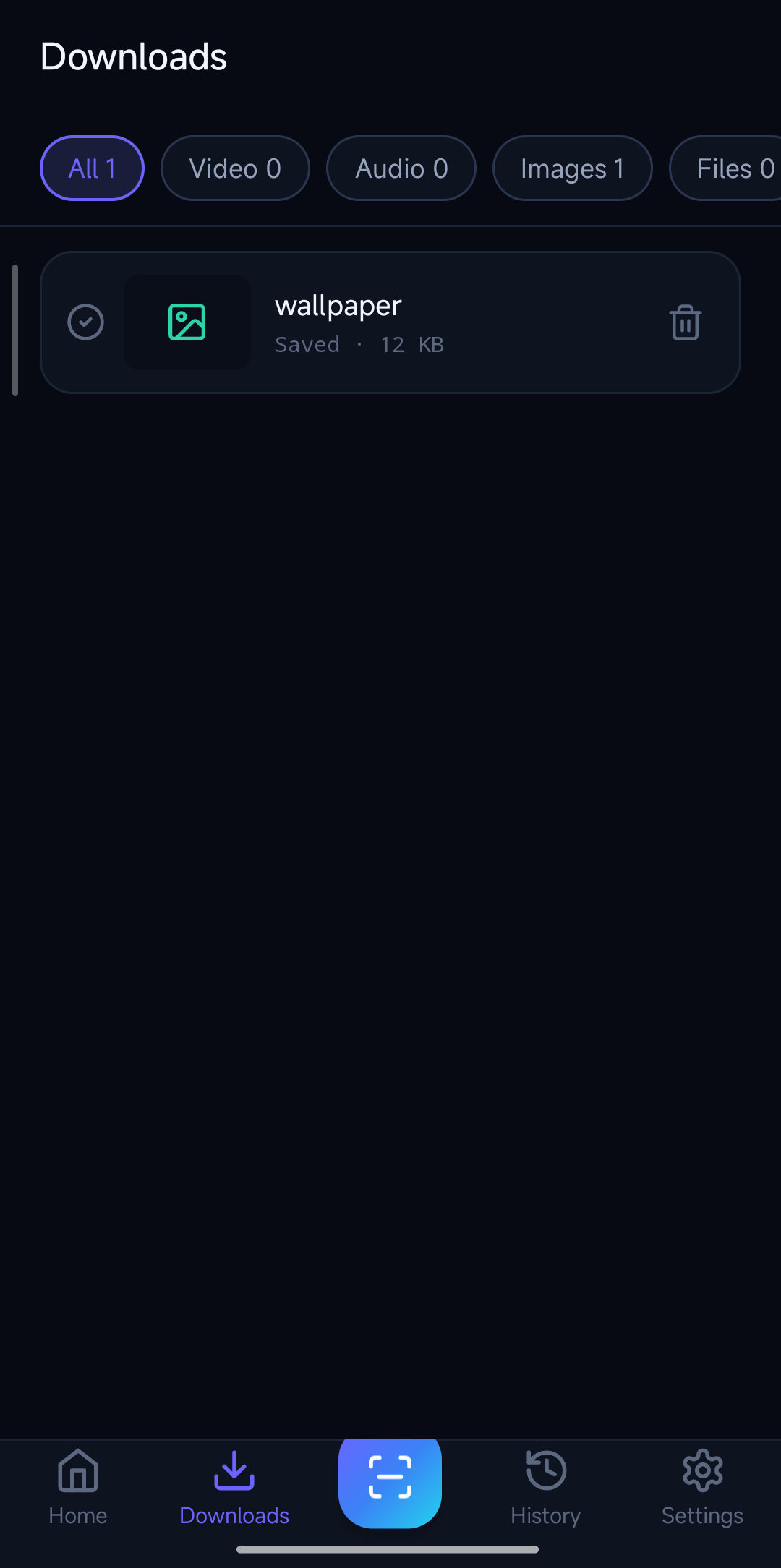
4Download & resume
One item or all at once. Interrupted transfers resume where they stopped; HLS is decrypted and merged to MP4.
Built for the media pages actually hide
Not another "right-click save as". Modern pages stream their media in pieces — this is what the scanner does about it.
Three-way sniffing
Network request interception, DOM analysis and pattern matching run together on the current page, so lazily-loaded and inline players can't slip through.
HLS / m3u8 → MP4
Master playlists expand to your chosen bitrate variant; AES-128 encrypted segments are decrypted and merged into one MP4 you can actually play anywhere.
Batch download
Download all found media in one tap, or pick single items. Live progress per task in the queue screen.
Resume, not restart
Weak connection mid-download? The task picks up exactly where it stopped using HTTP Range requests — no lost bytes.
Hotlink-proof
Protected media needs the right credentials. Downloads carry the page's Referer and cookies automatically, so "403 forbidden" files come through.
History & snapshots
Recent scans and per-domain result snapshots stay available — reopen yesterday's findings without re-scanning.
What it recognizes
Anything the page requests with a media signature — detected by stream, not by guesswork.
DRM-protected streams (Widevine / SAMPLE-AES) are detected but intentionally not decrypted — that part stays off-limits.
Go Pro, keep it clean
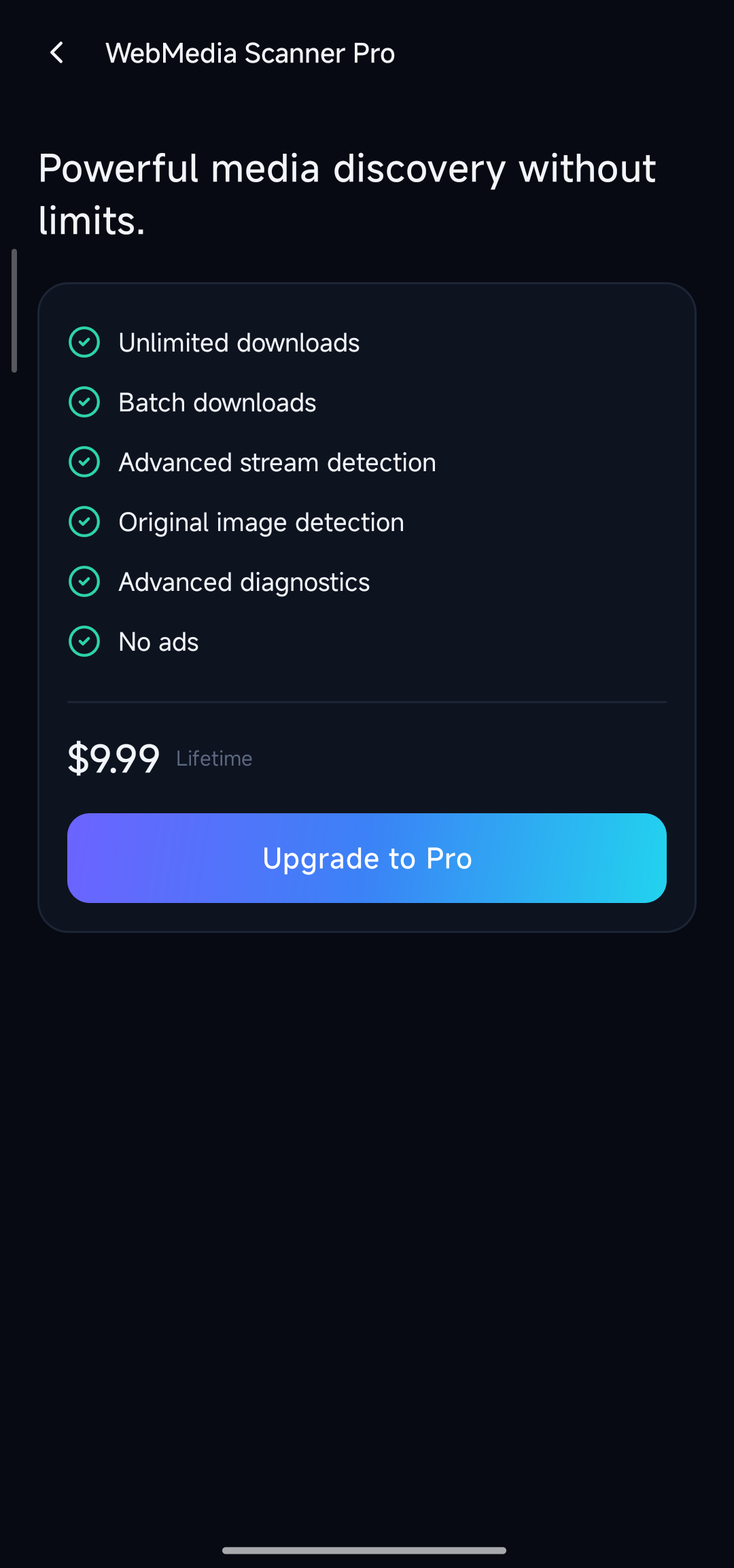
The full app is free. Pro is a one-time purchase that removes every ad — that's all it does.
- No banners, no interstitials, forever
- One payment — no subscription, no auto-renew
- Tied to your Google account: restore on any device
- Real price shown at checkout by Google Play
$9.99 one-time
Questions, answered straight
Does the app upload my links or files anywhere?
No. Scanning happens entirely on your device — there is no company server. The app only talks to the website you choose to visit. History and results live in the app's private storage.
Why do some streams download as one big MP4 instead of hundreds of .ts files?
That's by design: HLS segments are fetched, decrypted (AES-128 keys from the playlist), merged and remuxed into a single playable MP4 on your phone.
Can it download Netflix / Prime Video / Disney+ content?
No. Those services use commercial DRM (Widevine), which the app deliberately does not touch. It works on sites that serve ordinary, unencrypted or AES-128 media.
Where do downloaded files go?
By default into the system Downloads folder (visible to your gallery and file manager). In Settings you can pick any folder with the Android storage picker instead.
Is it really free?
Every feature is free; the app shows ads. A one-time $9.99 Pro purchase removes them. Purchase can be restored from your Google account on a new phone.
What may I legally download?
Only media you own or have the right to save. The app detects what a page contains — using it responsibly is on you.
Try it on your next tricky page
Paste a URL, finish browsing, and watch what turns up.